Create and review invoices
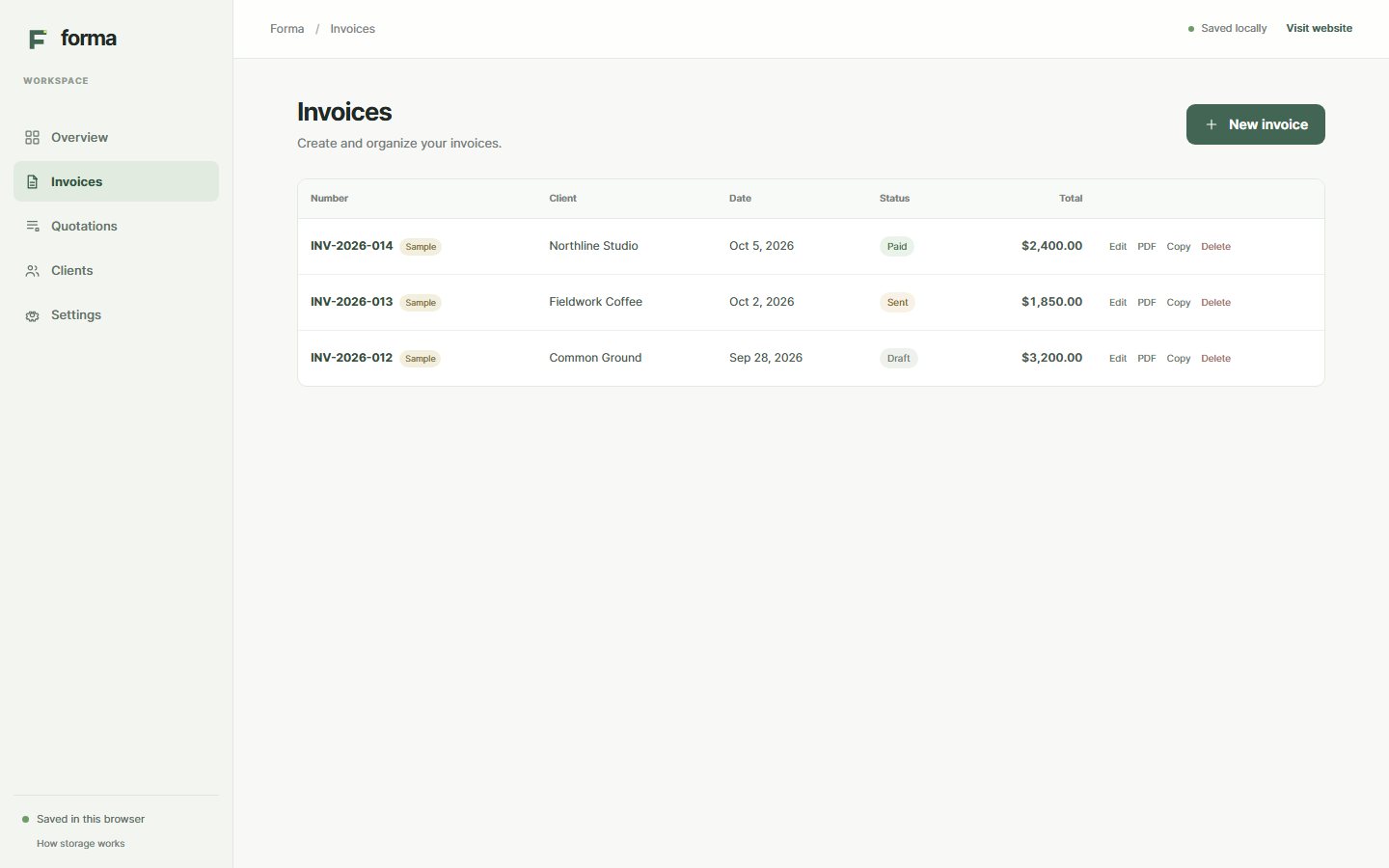
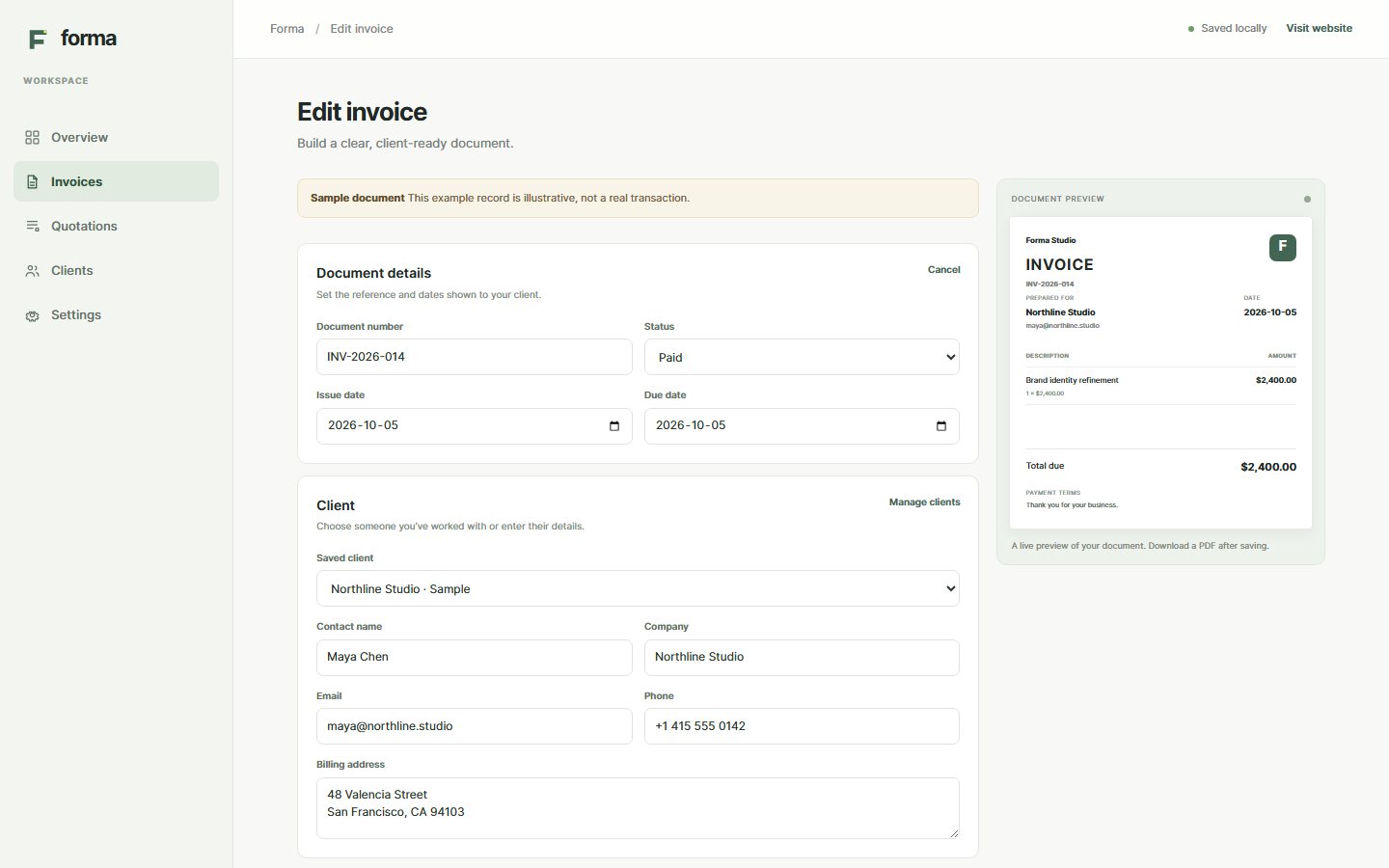
Choose a client, add line items, and set dates and terms. Review the amounts and total before downloading a PDF.
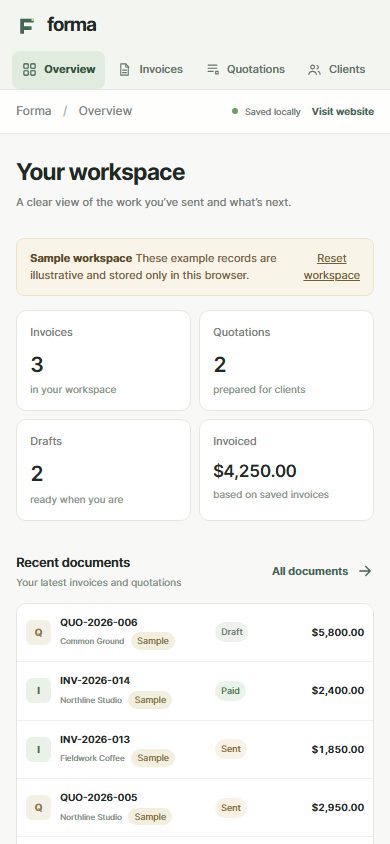
Create business documents, review the totals, and download PDFs from your browser.
Choose a client, add line items, and set dates and terms. Review the amounts and total before downloading a PDF.
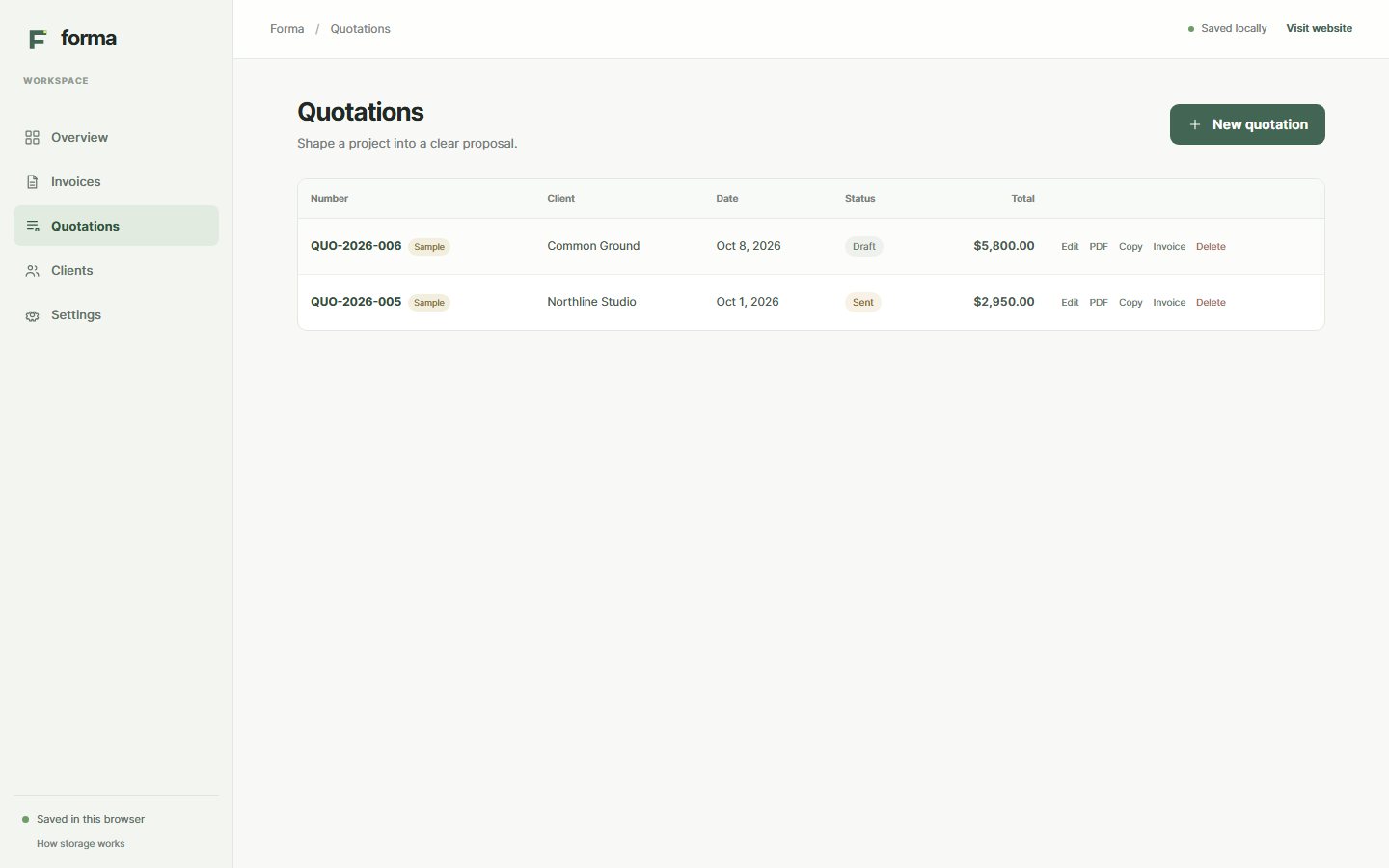
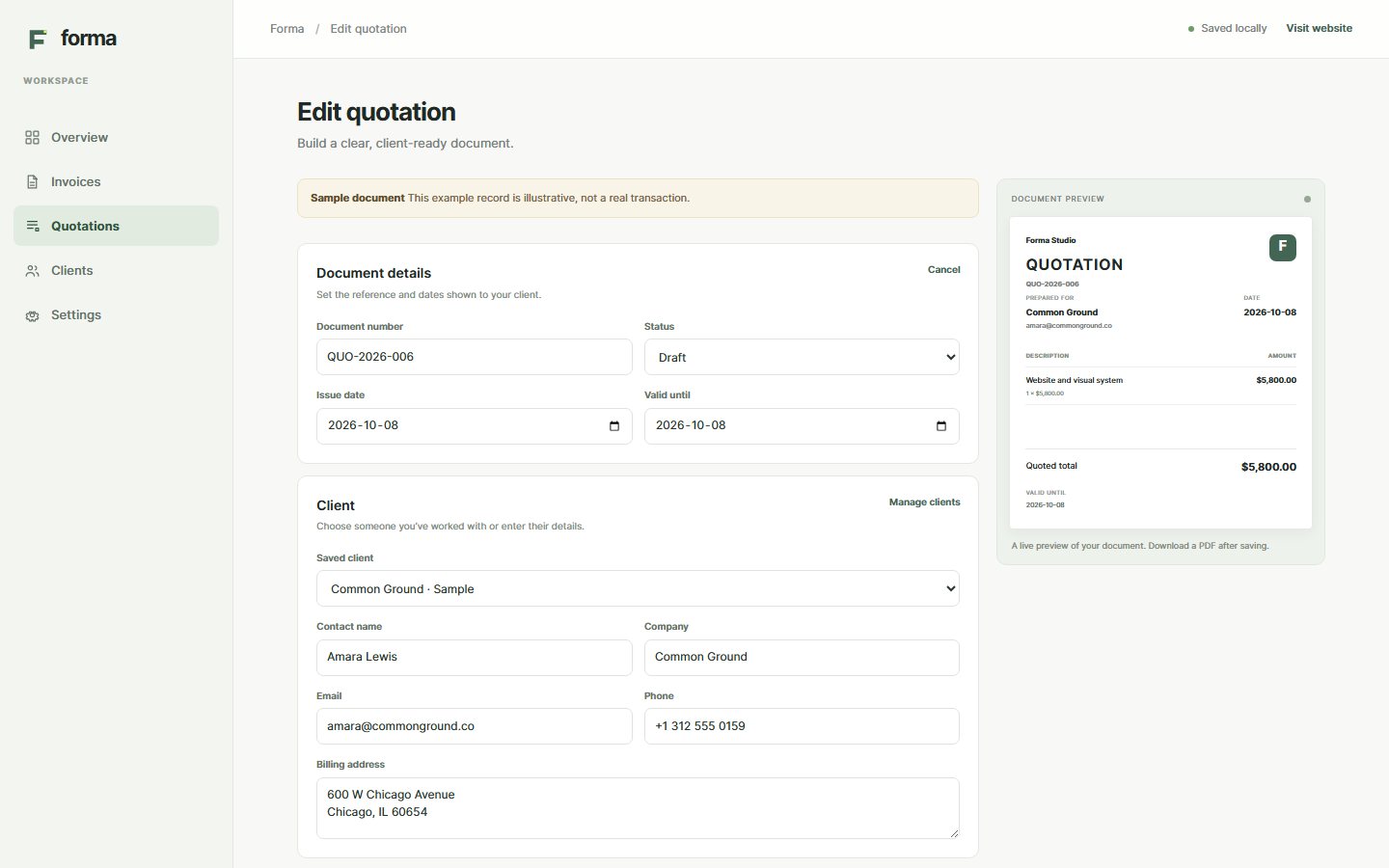
Add the scope, pricing, and terms to a quotation. Carry its client and line items into an invoice draft when the work is ready to bill.
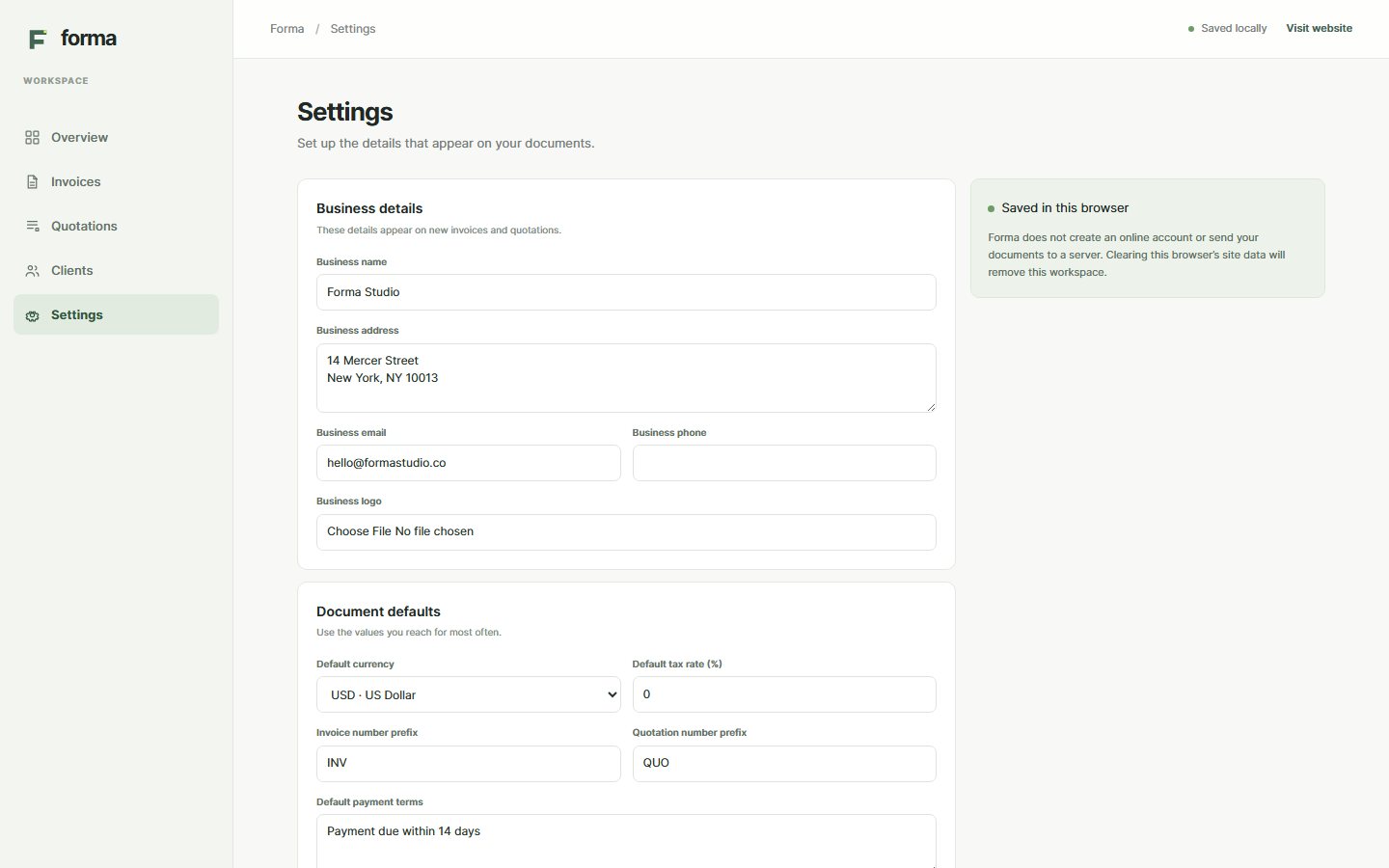
Save your business name, contact details, and logo in settings. Forma uses them on new documents.
Quantities and unit prices determine the subtotal. The document shows any discount before tax and includes both in the total.
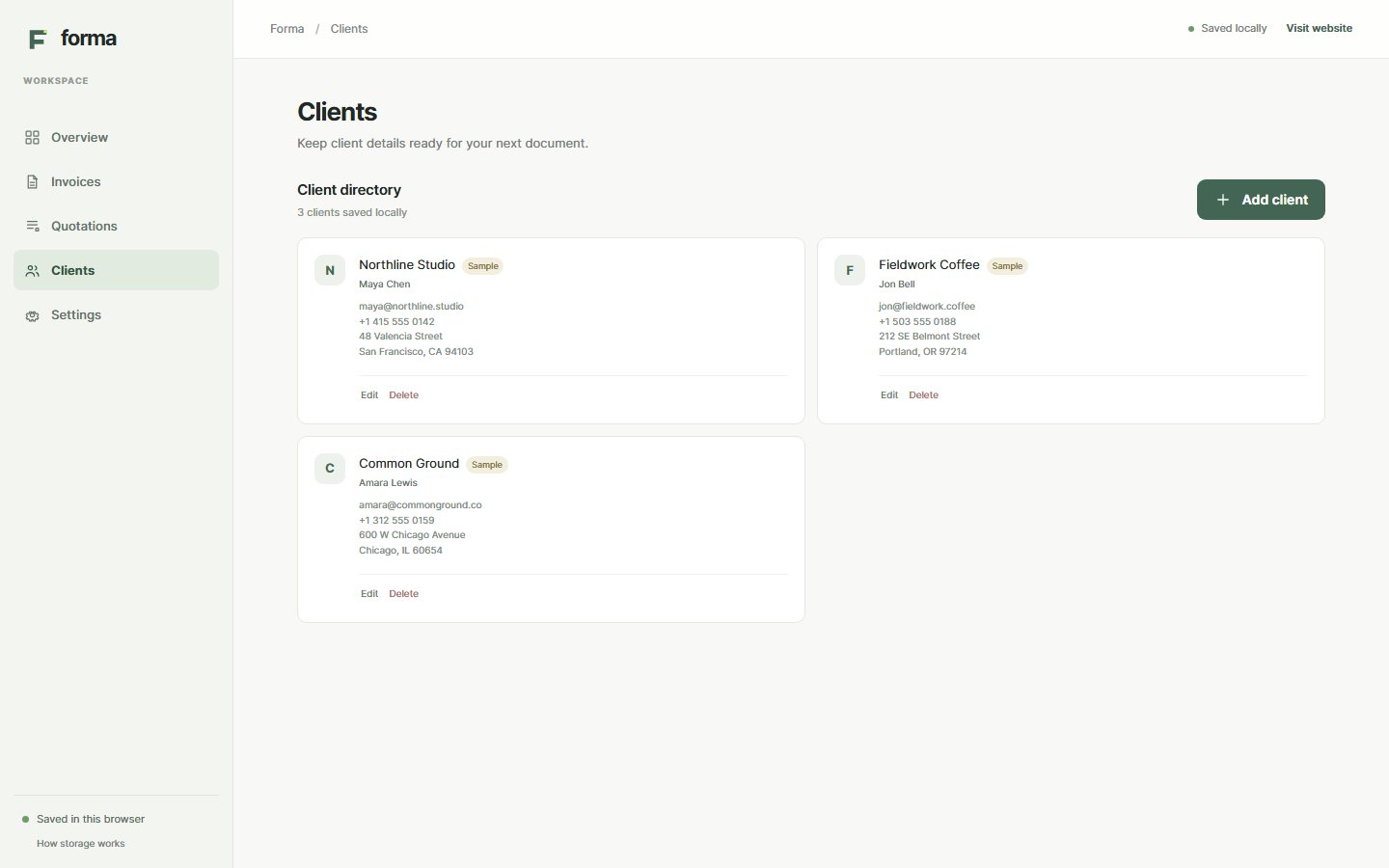
Store contact names, company details, and billing addresses in this browser. Select a saved client when preparing another document.
Documents and settings stay on the device where you created them. They do not sync to a server or another browser.
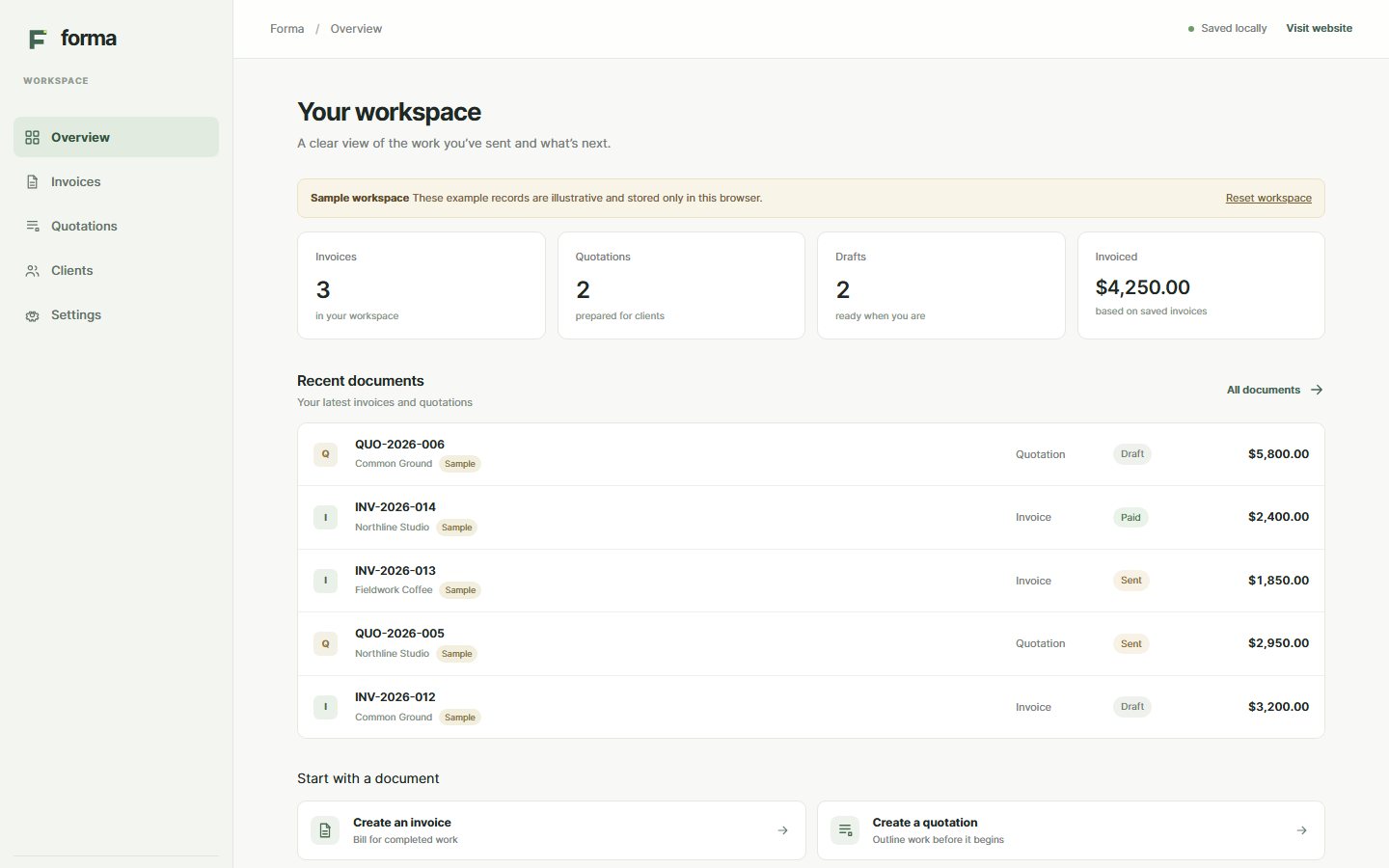
These screenshots show the workspace with sample records.